Minute Left
Are you sure you're not missing a meeting right now? Just checking.
Never miss one again
Try free — 7 days
macOS meeting reminder · built for ADHD brains

Don't miss your
meeting. Again...

You saw the notification. You dismissed it. You went back to what you were doing. The meeting started without you. You fired (probably)

Try free for 7 days

Free for 7 days · then $10 once · no subscription, ever

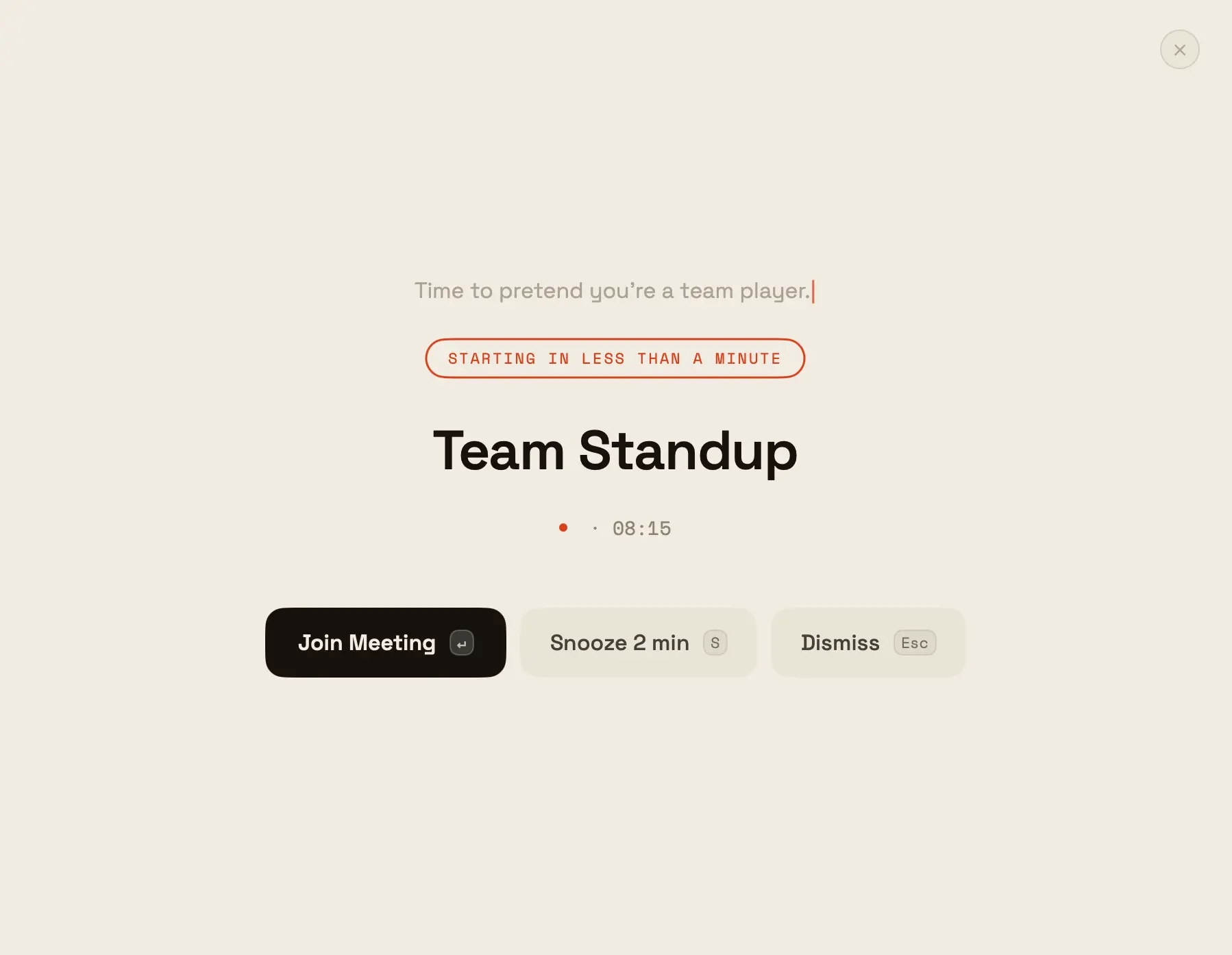
Time to pretend you're a team player. Starting in 2 minutes

Weekly Team Standup

email@minuteleft.app · 10:00 AM
Join Meeting
Snooze 5 min S
Dismiss Esc
Works with Google, iCloud & Outlook Signed & notarized by Apple Reads your calendar on-device macOS 13 Ventura or later
   "I was just finishing one thing."  ·  "I definitely saw that notification."  ·  "My calendar didn't remind me."  ·  "I thought it was tomorrow."  ·  "I was on mute the whole time anyway."  ·  "This is the last time."  ·  "I was just finishing one thing."  ·  "I had the tab open, I just forgot."  ·  "The invite said 10, not 9:30."  ·  "I joined, I just didn't say anything."  ·  "This is genuinely the last time."  · 
01

The notification appeared. You dismissed it.

Not on purpose. Your hand just did it. Muscle memory. You didn't even read what it said. You were in the middle of something.

02

You went back to what you were doing.

Hyperfocus activated. Time stopped existing. Twenty minutes passed in what felt like four. This is not a character flaw. It's just how your brain works.

03

The meeting started. Without you.

Someone sent "are you joining?" in Slack. Then your manager sent it. Then the whole chat went quiet in that specific way that means everyone noticed.

04

You joined 9 minutes late. Camera off.

"Sorry, lost track of time." You've said this sentence eleven times this month. You need something that doesn't ask for your attention — it takes it.

So it does. The swipe that closes the alert before you've even read it — conscious dismiss makes it stop working.

Go on — try to swipe it away.

A click does nothing now. To dismiss, you hold — one deliberate second. Long enough to make it a decision, not a reflex.

press and hold

Designed to
interrupt you.
On purpose.

01
Fullscreen takeover
Covers your entire screen. Every pixel. There is no corner to look away to. This is the point.
02
Audio alert
Makes a sound. Even with headphones. Even in deep flow state. Especially then.
03
One-click join
Detects Zoom, Google Meet, Teams, Webex — and 10+ more — from your calendar. Press Join. You're in. No searching.
04
Conscious dismiss
Last time, muscle memory closed it before you'd even read it. Not this one — you hold the button (or Esc) to dismiss. One second of friction, just enough to make it a decision instead of a reflex. Optional. Also the whole point.
05
Custom timing
Alert 1, 2, 5 or 10 minutes early. Snooze if you need five more minutes to finish whatever that was.
06
Second alert at start
One nudge before it starts. Another the second it actually does — for when "I'll join in a minute" quietly becomes nine. Optional.
08
Menu bar countdown
Your next meeting is always visible in the menu bar. "Standup · 12 min." No opening Calendar. No hunting for the time. Just glance up.
09
Sarcastic mode
"Time to pretend you care about this standup." Optional. But once you turn it on, you'll never turn it off.

4 ways to be
reminded you exist

🖼Screenshot coming
Minute Left — Default theme alert Default
🖼Screenshot coming
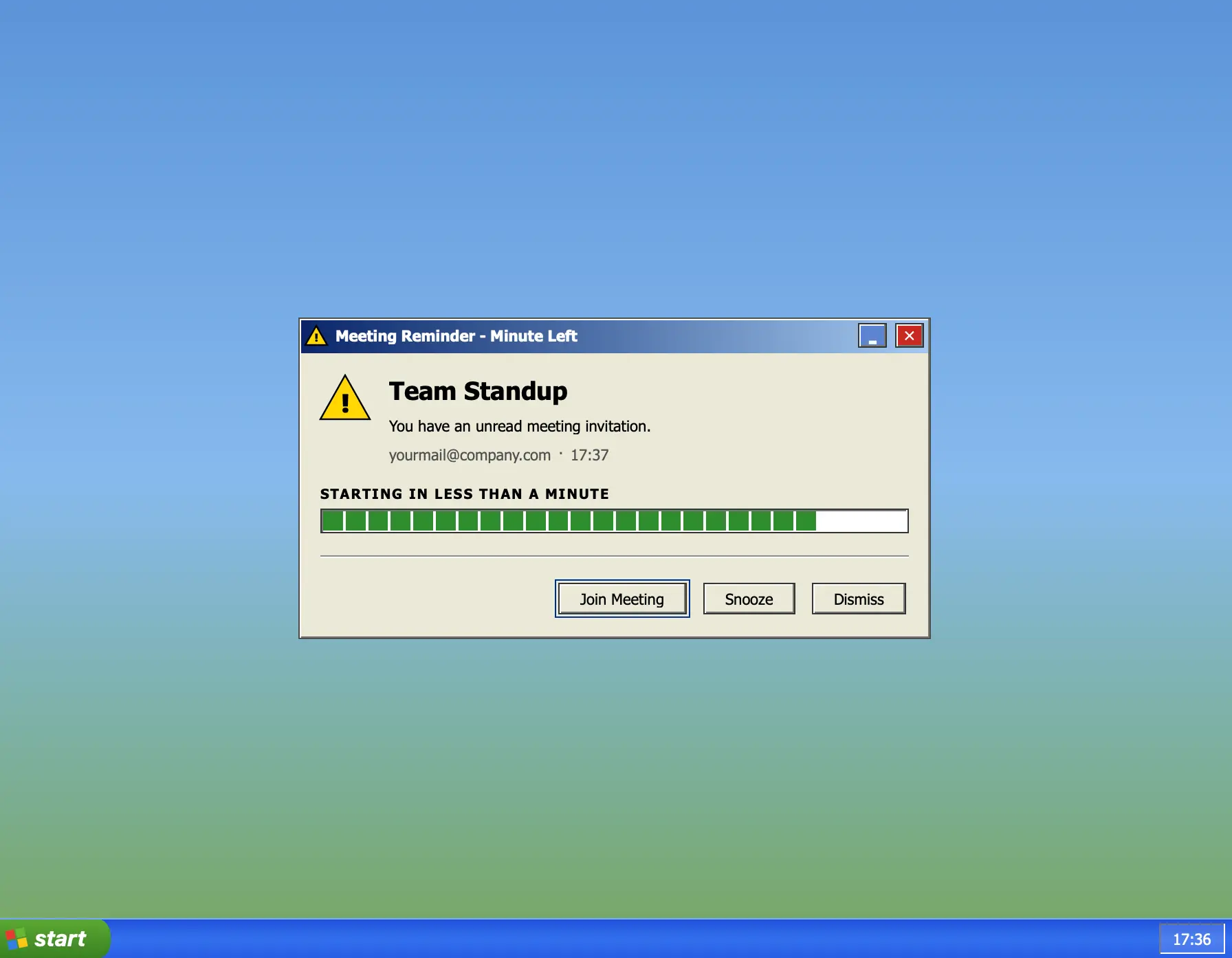
Minute Left — Windows XP theme alert Windows XP
🖼Screenshot coming
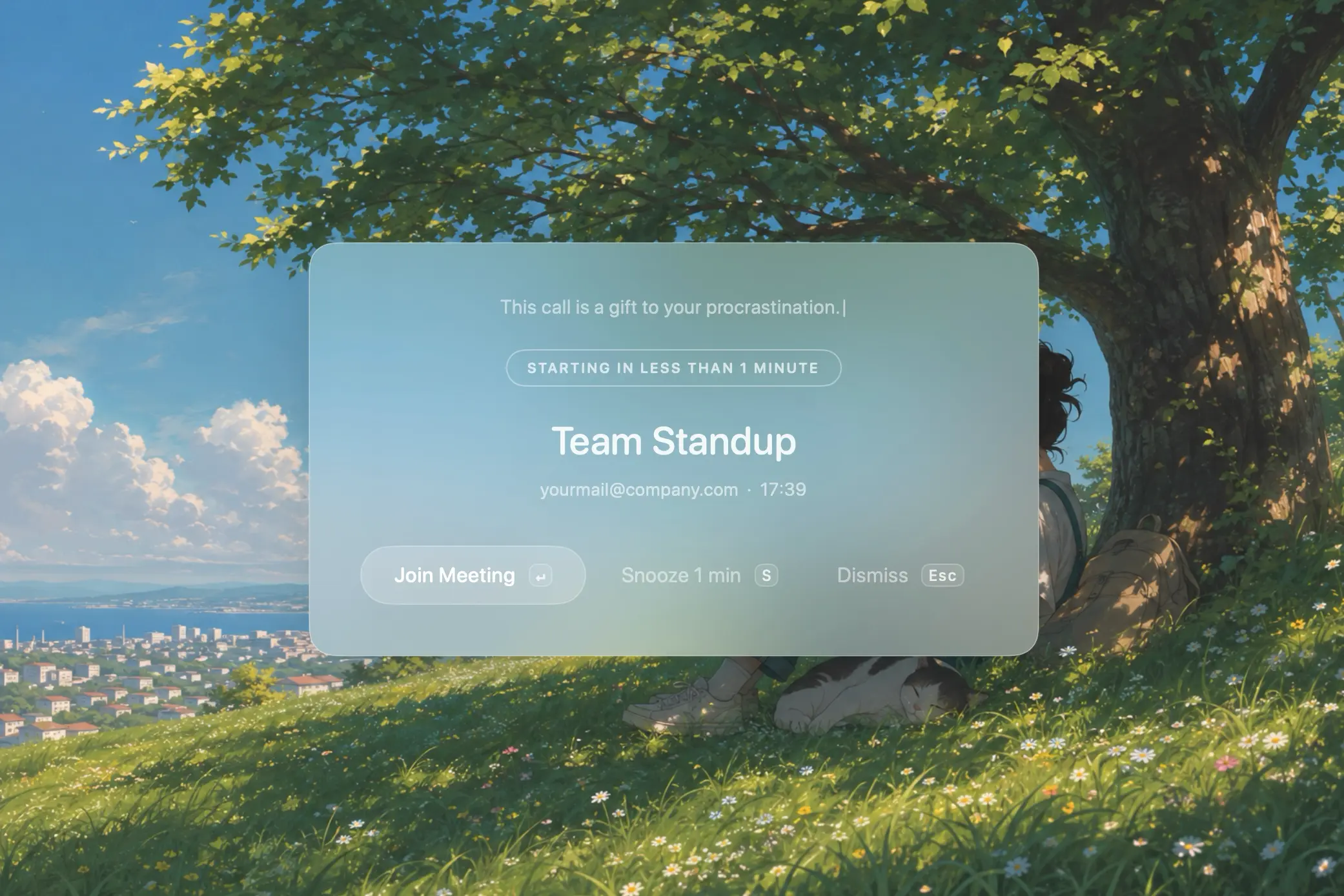
Minute Left — Life without IT theme alert Life without IT
🖼Screenshot coming
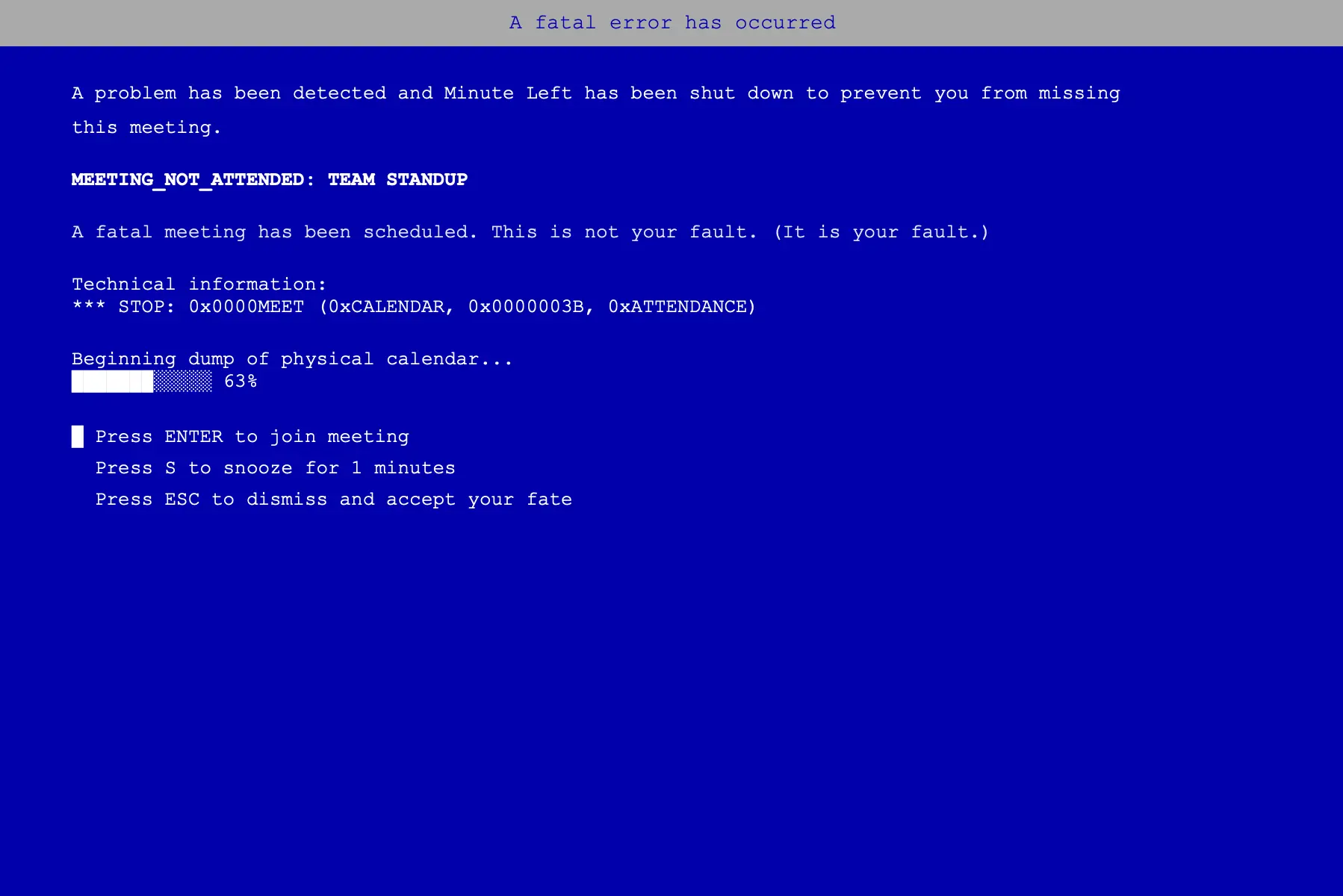
Minute Left — BSOD theme alert BSOD

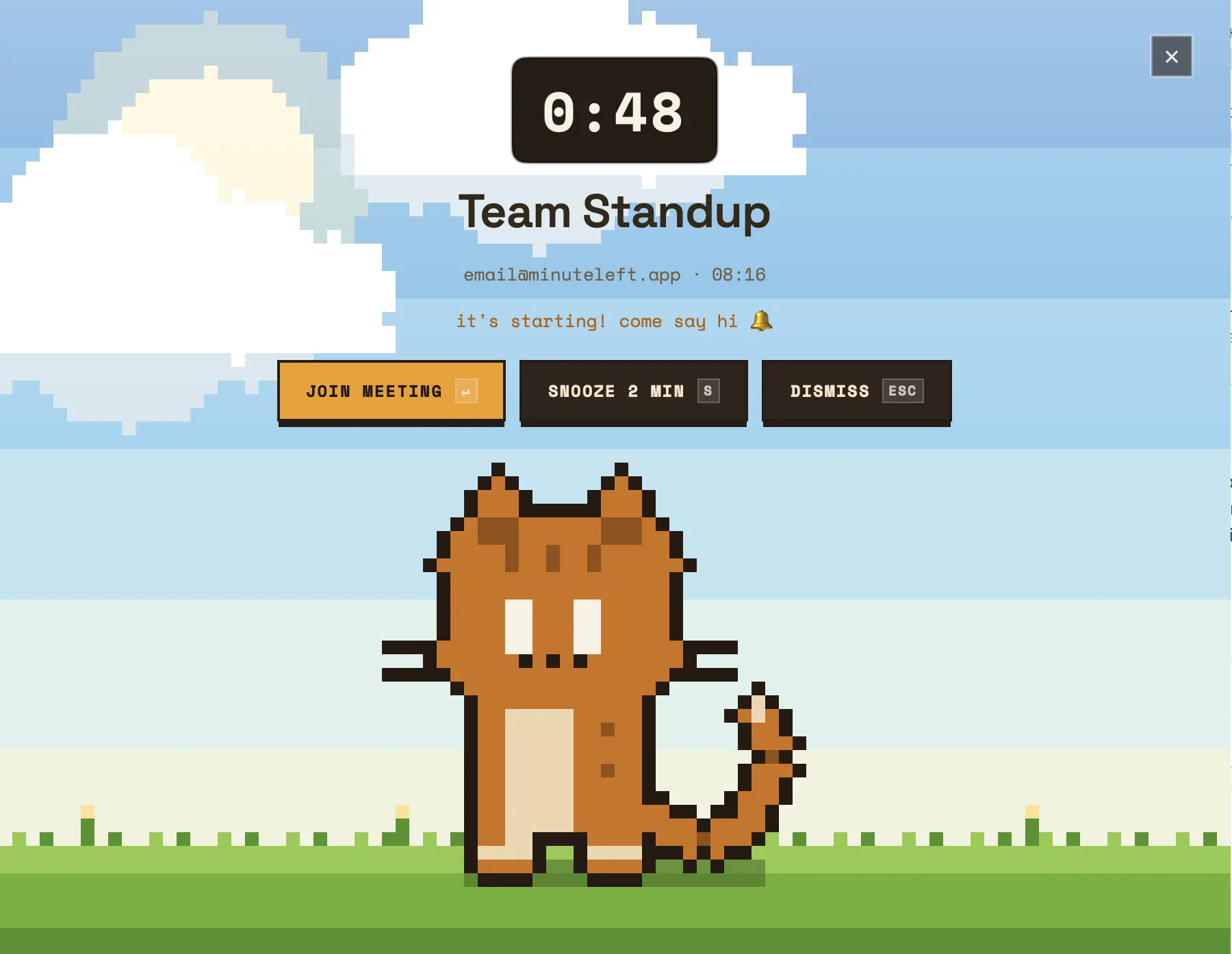
All themes included. More arriving in 2026.

"

I built Minute Left to stop apologizing for missing calls while staring at my screen. And to kill that constant anxiety of being late, I put the countdown right in the menu bar.

Roman · developer · creator of Minute Left · serial meeting-misser

Free for 7 days.
Yours forever after.

$10

one-time · no subscription

7 days completely free — no card required
Menu bar countdown to next meeting
Full app — all features, no limits
All 4 themes included
Free updates & new themes
macOS 13 Ventura and later
Try free for 7 days

$10 once · 14-day money-back guarantee.

Things people
actually ask.

Will macOS complain about the app?
No. It's signed with an Apple Developer ID and notarized by Apple — double-click and it opens, same as anything from the App Store. No right-click dance, no "unidentified developer" scare.
Does it work with Google Calendar, Outlook, Apple Calendar?
Yes. Minute Left reads from your macOS Calendar app, which syncs with Google, Outlook, and iCloud. If it's in your calendar, Minute Left finds it. If it's not in your calendar, that's a you problem.
Will it join meetings automatically?
No. It finds the link and shows you a button. You still have to click it. We can't do everything.
Which meeting apps does Join work with?
Zoom, Google Meet, Teams, Webex, Whereby, Jitsi, Discord, GoToMeeting, and more — if there's a meeting link in your calendar event, Minute Left usually finds it. And even when it doesn't recognize the service, the alert still fires for every meeting, link or not. You just won't miss it.
Does it run in the background all the time?
Yes. It lives in your menu bar and watches your calendar. Uses almost no resources — you won't notice it until you absolutely need to.
How does the free trial work?
Download and install — you just leave your email, no credit card. You get 7 full days with every feature and every theme. On day 8 the alerts stop firing. You'll notice immediately. Open the app, click "Unlock", and you'll go through a secure $10 one-time checkout (handled by Paddle). Pay once, alerts come back, done forever.
Do I ever have to pay again?
No. It's one-time — pay once, use forever, no subscription. Every update and new theme for this version is free. If we ever ship a major new version, current owners get it at a steep discount — but the app you bought keeps working regardless.
🏆
Achievement unlocked
Showed up on time.
First time this month. We're proud of you.